









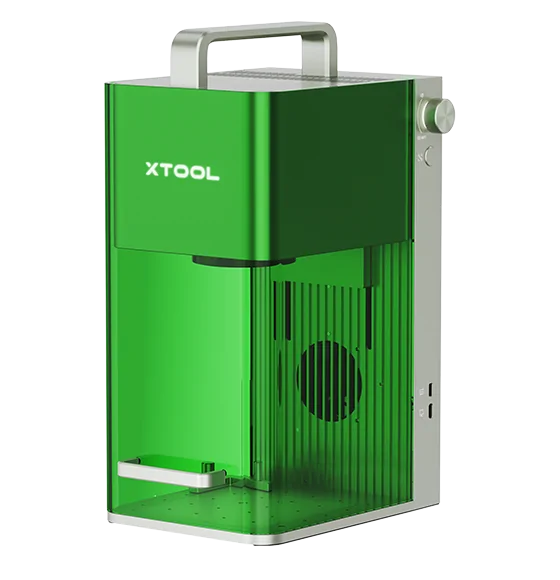
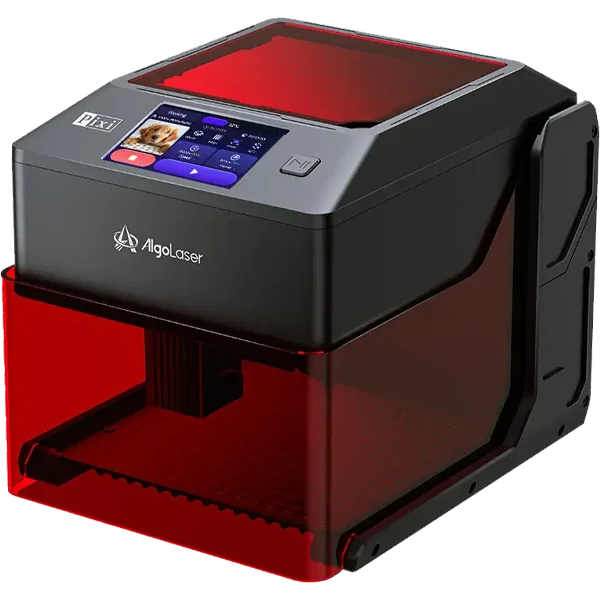
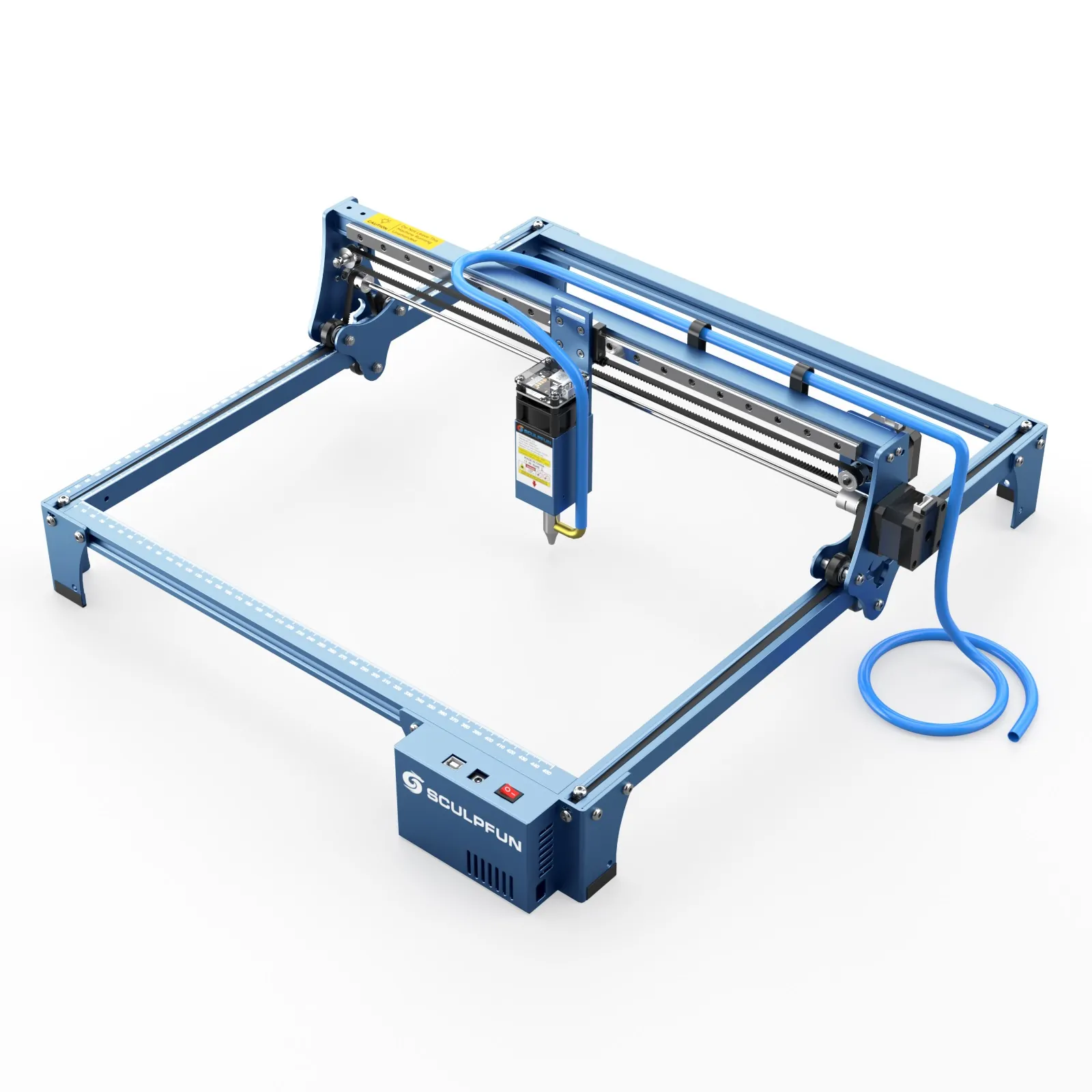
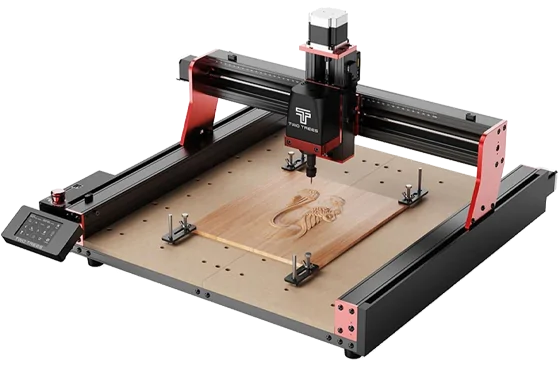


A laser engraver is an invaluable tool for businesses, hobbyists, and manufacturers. Whether you use it for custom engraving, industrial marking, or personal projects, proper maintenance of your laser engraver is essential for prolonging its lifespan and ensuring consistent high-quality results.
Without regular cleaning and maintenance, your laser engraver can suffer from reduced performance, misalignment issues, and even permanent damage. In this detailed guide, we’ll explore the best practices for maintaining your laser engraver, including cleaning, alignment, lubrication, cooling system management, and troubleshooting common issues.
Why Proper Maintenance is Crucial for Your Laser Engraver
Laser engravers are precision machines that require routine upkeep to function at their best. Neglecting maintenance can lead to:
- Lower engraving quality due to dust, debris, and misalignment.
- Overheating if the cooling system isn’t maintained.
- Optics degradation, affecting laser power and accuracy.
- Unnecessary breakdowns, causing downtime and repair costs.
By following the right maintenance procedures, you can keep your laser engraver running smoothly and extend its lifespan.
Daily Maintenance of Your Laser Engraver
Clean the Lens and Mirrors
The optics (lenses and mirrors) of your laser engraver play a crucial role in focusing the laser beam. Over time, dust, smoke, and debris can build up, reducing the laser’s efficiency.
How to Clean the Laser Lens and Mirrors:
- Use a lens cleaning solution and lint-free wipes to gently clean the lens and mirrors.
- Never use harsh chemicals or abrasive materials, as they can scratch the optics.
- Check for any discoloration or damage to the lenses and replace them if needed.
Remove Dust and Debris from the Work Area
Laser engraving generates dust, smoke, and debris, which can accumulate in the machine and affect performance.
Cleaning Steps:
- Use a vacuum or soft brush to remove debris from the engraving bed.
- Wipe down the rails and frame with a clean, dry cloth.
- Make sure the air assist system is working properly to reduce smoke buildup.
Check and Adjust the Laser Focus
A misaligned laser focus can lead to blurry or uneven engravings. Before starting a new project, check that the laser head is properly aligned with the engraving surface.
Weekly Maintenance of Your Laser Engraver
Inspect and Lubricate Moving Parts
The rails, belts, and bearings in your laser engraver must move smoothly and freely. Over time, they may accumulate dust or become dry.
Lubrication Steps:
- Use a small amount of lightweight machine oil to lubricate rails and bearings.
- Avoid over-lubricating, as excessive oil can attract dust.
- Check for any loose or worn-out belts and tighten or replace them if necessary.
Test the Laser Power and Performance
Over time, the laser tube may weaken, affecting engraving quality. Run a test engraving on scrap material to check if the laser power is consistent. If engraving quality has declined, you may need to realign the laser or replace the laser tube.
Clean the Exhaust and Ventilation System
A clogged exhaust system can cause poor ventilation, overheating, and excessive smoke buildup inside the machine.
Cleaning Steps:
- Check and clean the air vents and exhaust fan.
- Remove any blockages from the air duct.
- Replace the air filter if it’s dirty or clogged.
Monthly Maintenance of Your Laser Engraver
Calibrate and Align the Laser Beam
Laser alignment is critical for precision engraving. If the beam is misaligned, the engraving results may be distorted or inconsistent.
Laser Alignment Steps:
- Use a target test to check if the laser is properly centered.
- Adjust the mirrors and laser head to correct any misalignment.
- Run a test engraving to ensure accuracy.
Inspect the Cooling System
If your laser engraver has a water cooling system, maintaining the coolant is crucial to prevent overheating.
Cooling System Maintenance:
- Check the water level in the cooling system and refill if necessary.
- Replace coolant or distilled water every month to prevent bacterial buildup.
- Inspect hoses and connectors for leaks or blockages.
Tighten Screws and Check for Loose Components
Due to constant movement, some screws and fasteners may loosen over time. A quick inspection and tightening can prevent mechanical failures.
Common Laser Engraver Problems and How to Fix Them
Even with regular maintenance, you may encounter issues with your laser engraver. Here are some common problems and their solutions:
Laser Engraving is Weak or Faint
Possible causes:
- Dirty or damaged lens/mirrors → Clean or replace them.
- Low laser power setting → Adjust power settings.
- Worn-out laser tube → Replace the laser tube.
Engraving is Blurry or Misaligned
Possible causes:
- Misaligned laser beam → Perform a laser alignment test.
- Loose belts or screws → Tighten all moving parts.
Excessive Smoke or Burn Marks on Material
Possible causes:
- Clogged exhaust system → Clean vents and air assist system.
- Incorrect speed/power settings → Adjust engraving settings.
Laser Engraver is Overheating
Possible causes:
- Cooling system failure → Refill coolant or check the water pump.
- Dust buildup → Clean internal components.
Why Choose Dhunikart for Your Laser Engraving Needs?
At Dhunikart, we understand the importance of high-quality laser engraving machines and proper maintenance. Our expert team provides top-tier laser engravers, accessories, and guidance to help you achieve the best engraving results. With affordable pricing, excellent customer support, and durable machines, we are your trusted partner in laser engraving. Whether you’re a beginner or a professional, our products and services will help you get the most out of your laser engraver.
Keep Your Laser Engraver in Top Shape!
Proper maintenance of your laser engraver is key to achieving high-quality engraving results and extending its lifespan. By following the daily, weekly, and monthly maintenance tips mentioned in this guide, you can prevent issues and keep your machine running smoothly for years to come.
For more information about laser engraving maintenance or to explore our range of laser engraving products, call us at +91 8866664329 or email us at support@dhunikart.in today!